
Sign in
How to find password back?
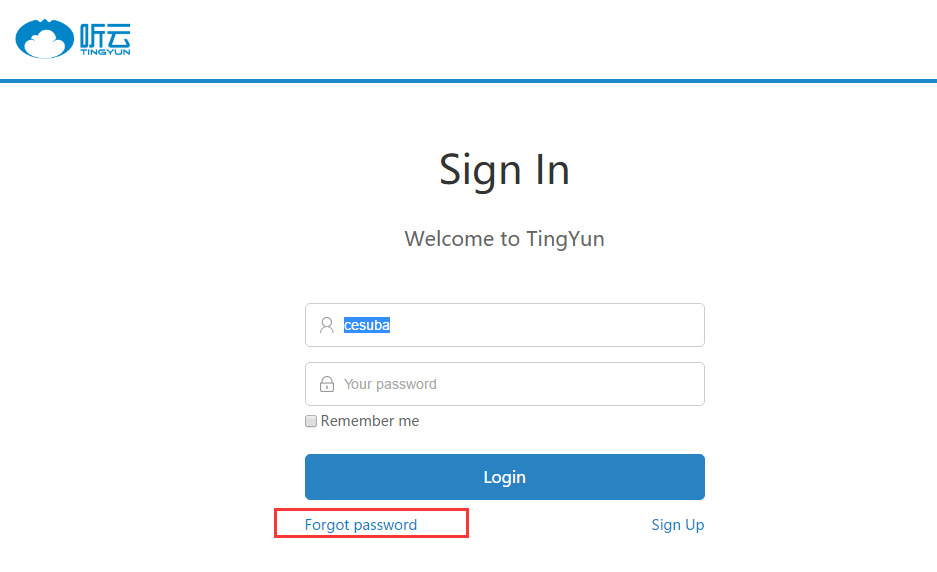
- Go to Tingyun login page, click the Forgot Password button.
- Verify. Select a verification method that works for you. Currently, we support two methods to find password back, Email and phone number.
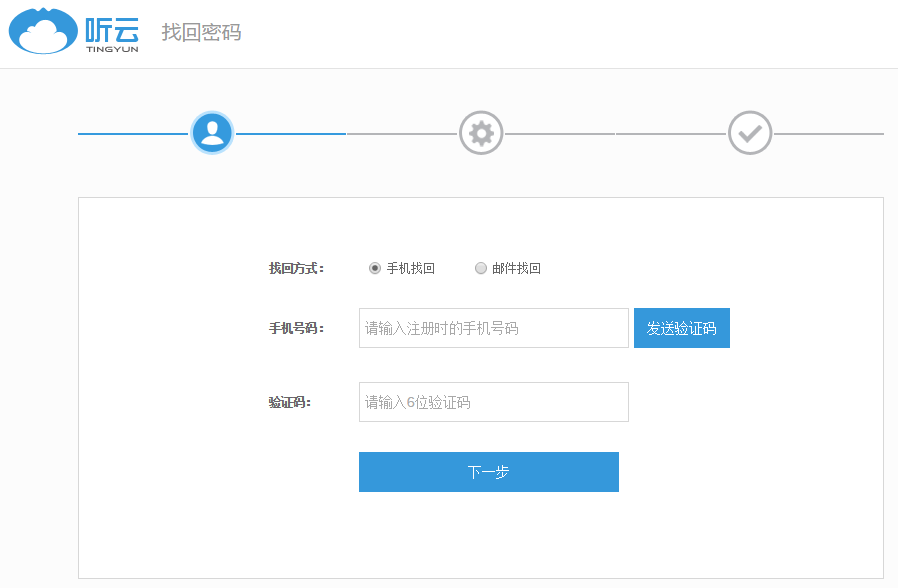
- Please follow the instructions on the page. After verifying your identity, reset your password.
- Reset password succeeded
Sign in Tingyun, it prompted that password or username is incorrect
If you can not login, please check username and password,check the half-angle state, the case is correct, there are no spaces, etc.
How to edit an account name?
After registration, the default account name is your phone number. You can edit it by clicking Edit Info in the top right of the User Center - Account Information.
How to change you password?
Sign in Tingyun account, go to User Center - Personal Information page, and follow prompts to change the password.
How to change bind phone number?
- Individual users: Log in Tingyun account, enter User Center - Personal Information page, change the phone number by Email authentication.
- Enterprise account: If you need to change, please contact 84440086-857.
How to change bind Email?
-
Individual User: Log in Tingyun account, enter User Center - Personal Information page, change the Email by phone number authentication.
-
Enterprise account: If you need to change, please contact 84440086-857.
The solution to IE browser login page abnormal
-
If you use IE browser to open Tingyun login page, a blank page, button invalid, repeat login and other anomalies, we recommend that you try the following methods: open the Internet Explorer menu bar “Tools” - “Internet Options”, if the toolbar is hidden, press the Alt key to display.
-
Delete the “Browsing History” in the conventional.
-
Set the “security” and “privacy” level to the default level.
-
Set up and click “Apply” and “OK” button, re-open Tingyun login page to try. If the problem is not resolved, we recommend that you check the network available, Ctrl + F5 hard refresh or change a browser and try again.